 eReader Relay
Admin console
Review source security decisions and failed generation work as an administrator.
The Admin area is visible only to accounts with the administrator role. It is an operational tool, not part of normal reader setup.
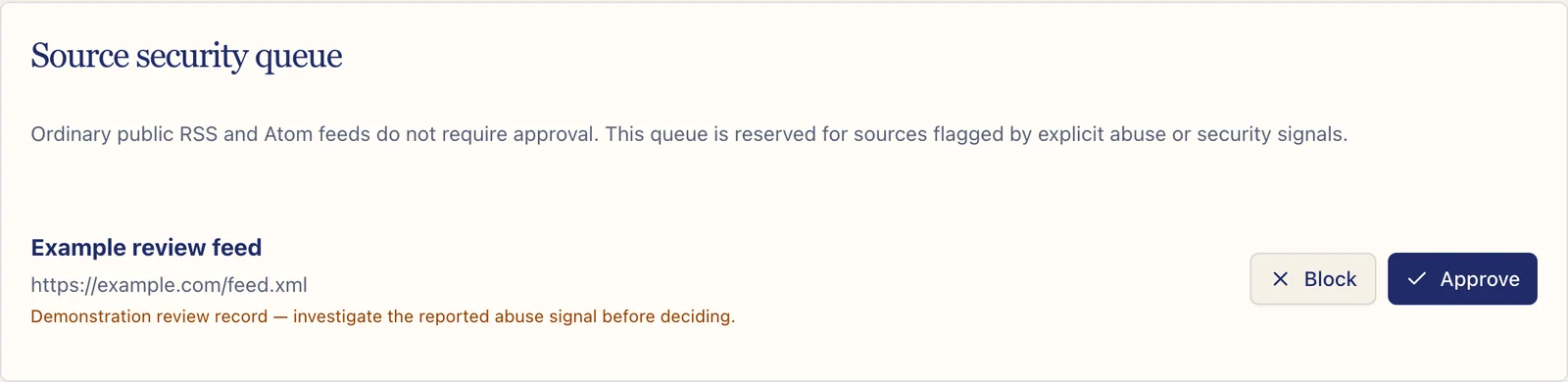
Source security queue
The queue contains sources that produced an explicit network-safety or abuse signal. Ordinary public feeds do not require manual approval simply because they are new.
Review the submitted URL and reason before choosing Approve or Block. Approval should never be used to bypass a private address, internal network, or other unsafe destination.
Generation work
The generation view separates failed work from queued, processing, and retrying work. Use the reason code and attempt information to decide whether the problem is temporary, source-specific, or a product fault.
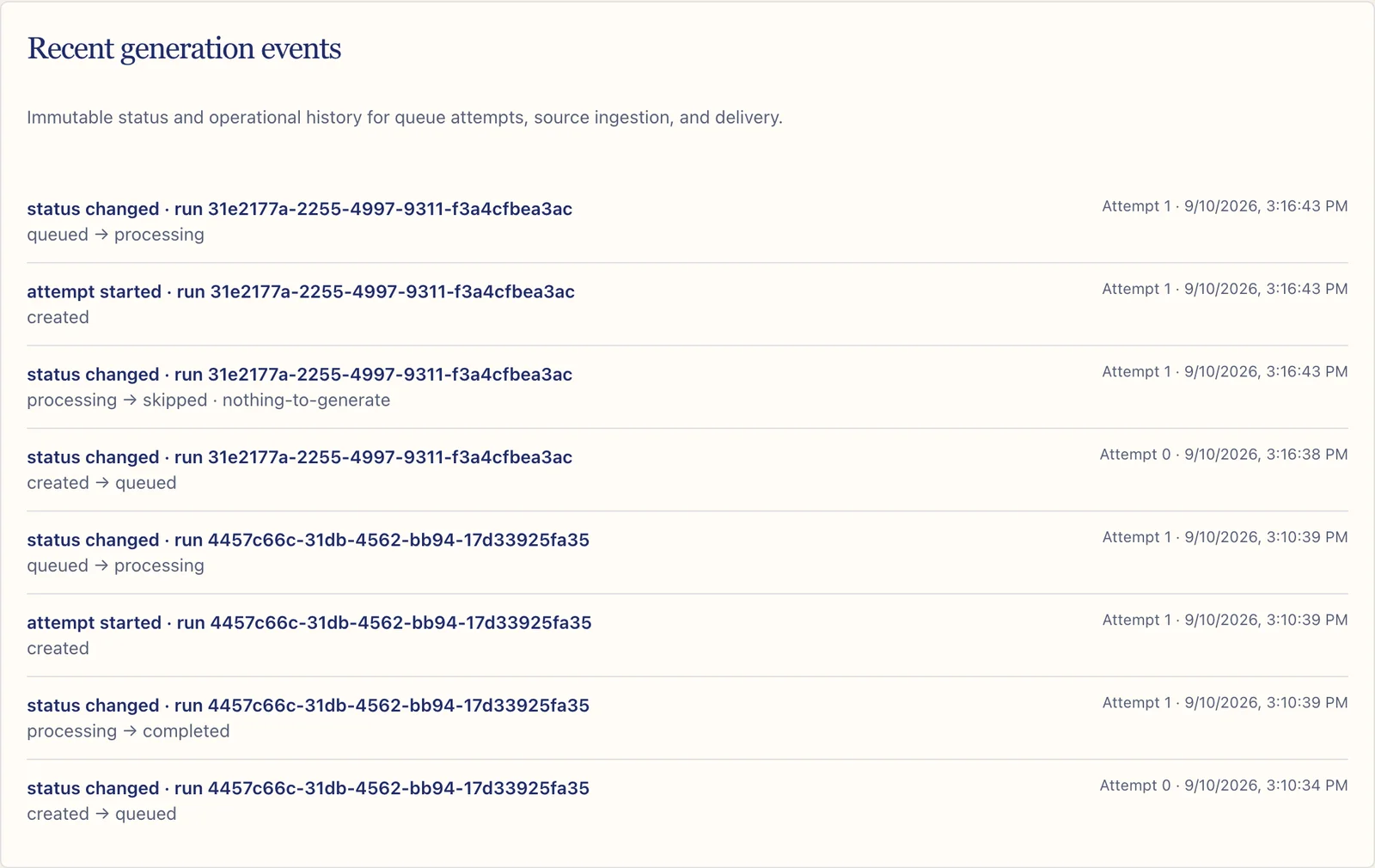
Generation events
Recent generation events form an immutable operational history. They show status changes, reason codes, and attempt counts without requiring an administrator to inspect private user credentials.
Safe administration
- Confirm the exact source before making a security decision.
- Prefer stable reason codes when escalating a failure.
- Never copy access tokens, raw email, or private article content into a support ticket.
- Avoid retrying a permanent policy refusal as though it were a temporary outage.
For customer-facing diagnosis, begin with Troubleshooting and the problem report checklist.